Kill switch support
Turn on Always-on VPN and Block connections without VPN, and Android stops traffic if the VPN ever drops. Privalune takes you straight to the setting.
 Privalune
 for Android
Hide your IP address and encrypt your connection on any network. Privalune works with Android's built-in kill switch, so nothing slips out if the connection drops.
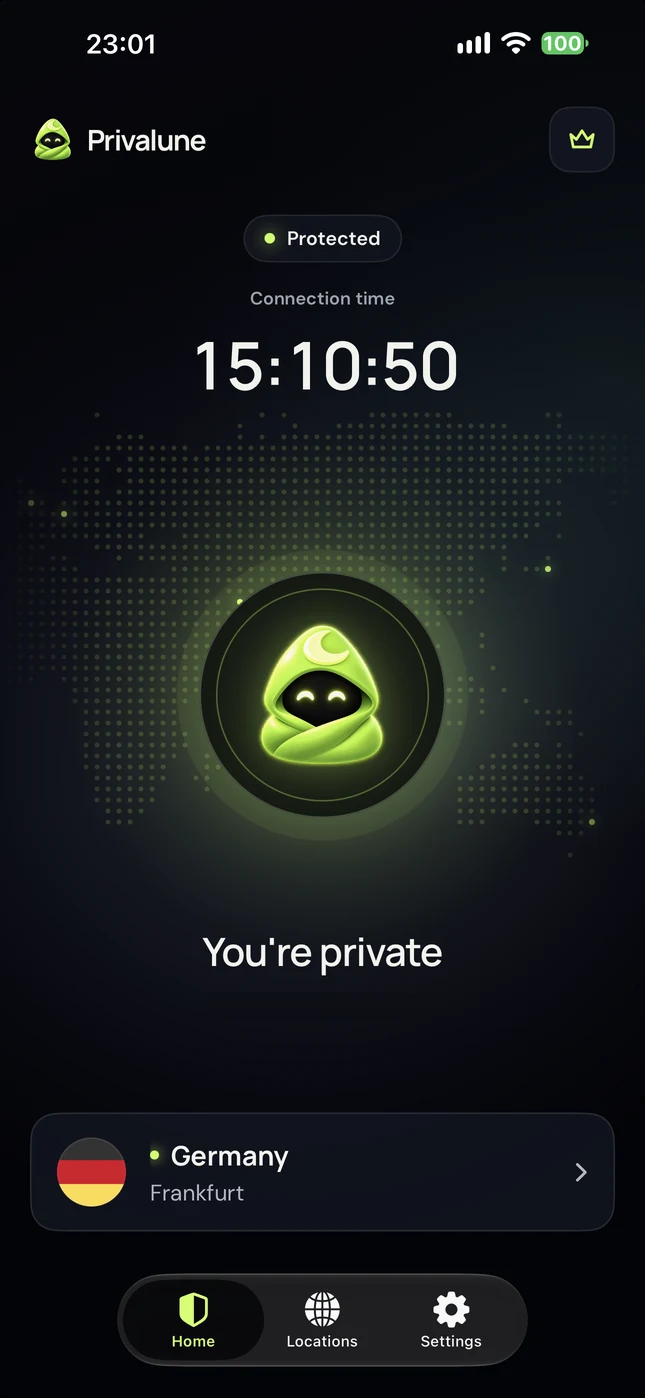
Turn on Always-on VPN and Block connections without VPN, and Android stops traffic if the VPN ever drops. Privalune takes you straight to the setting.
Pick a location and websites see the server's IP address and city instead of yours. 70 locations in 55 countries with Premium.
Share your Premium key with up to 9 other devices: Android, iPhone, iPad, Mac or Windows. Reset it any time to start over.
Free, with no sign-up form.
Android asks to allow a VPN connection the first time. Tap OK.
Settings, Kill switch: switch on Always-on VPN and Block connections without VPN.
Yes. The free plan gives you one location (Frankfurt, Germany) and free protected time every day, with no account and no card.
Yes, through Android's own setting. In Privalune, open Settings, Kill switch, then turn on Always-on VPN and Block connections without VPN. If the VPN drops, Android blocks traffic until it's back.
Android 11 or newer, on phones and tablets with Google Play.
Yes. Your Premium key works on iPhone, iPad, Mac and Windows too. Find it under Settings, Premium key. Up to 10 devices on one plan.
Open Google Play, tap your profile, then Payments & subscriptions, Subscriptions, Privalune. You keep Premium until the end of the period you paid for.
No. We don't record the websites you visit, the content of your traffic or your DNS queries. The details are in our privacy policy.
One Premium plan covers up to 10 devices, in any mix of platforms.
Free on Google Play. Premium unlocks every location and up to 10 devices.